[Week 10] 第十週課程內容概要整理。
- 建立了一個近端的 https 伺服器按鈕
- Solvespace 平面四連桿機構模擬
- 利用Brython與.csv座標,建立線上畫布
影片示範
-
SolveSpace_四連桿_Trace_Point_tutorial_40423117
-
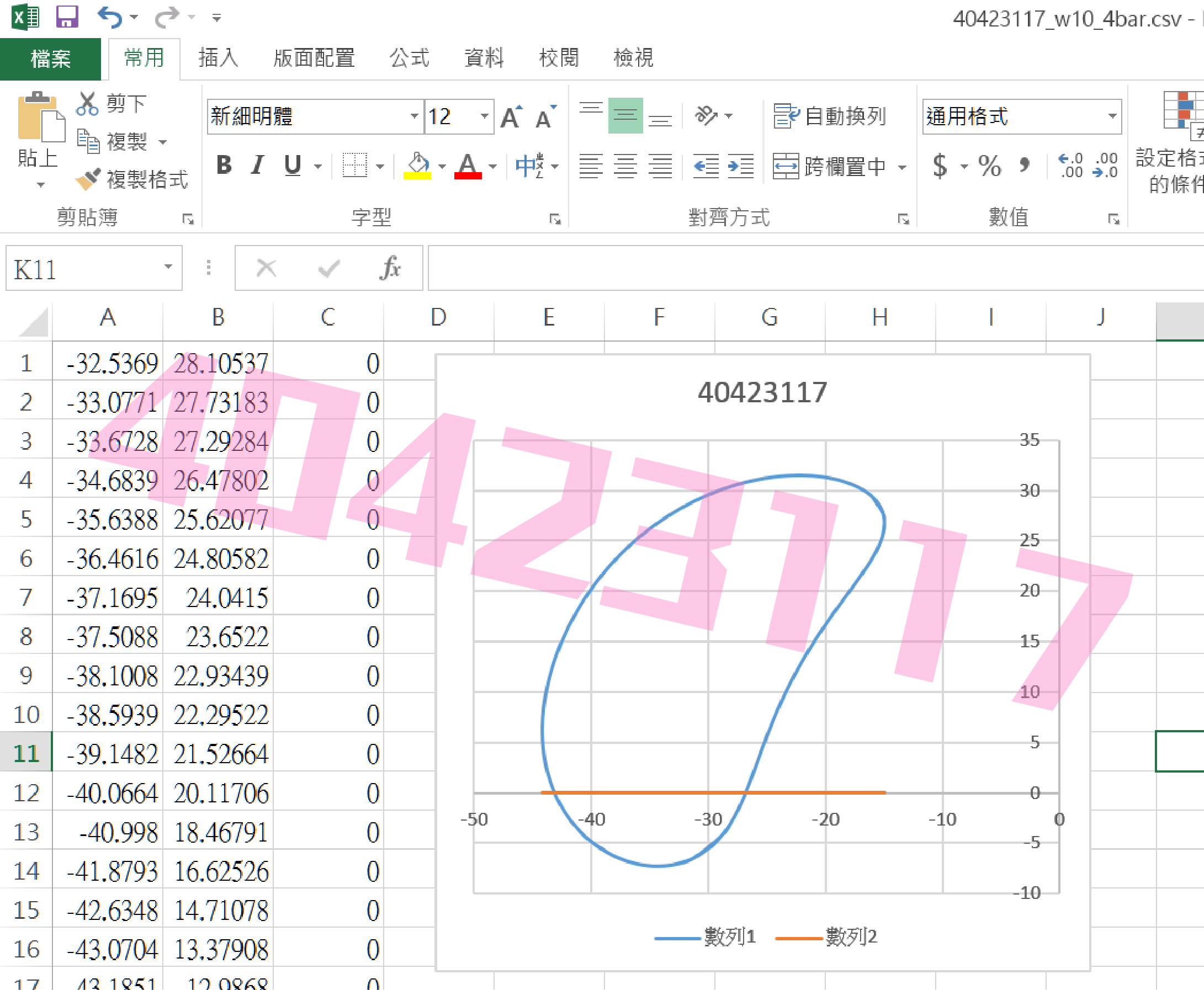
CSV_EXCEL_TO圖檔_tutorial_40423117
內文
建立 @button https server
特別建立了一個近端的 https 伺服器按鈕, 而且為了能夠獨立於 Leo Editor 運作, 特別採用執行緒的架構編寫:
import os
import subprocess
import threading
import http.server, ssl

def domake():
    # build directory
    os.chdir("./../")
    server_address = ('localhost', 8443)
    httpd = http.server.HTTPServer(server_address, http.server.SimpleHTTPRequestHandler)
    httpd.socket = ssl.wrap_socket(httpd.socket,
                                   server_side=True,
                                   certfile='localhost.crt',
                                   keyfile='localhost.key',
                                   ssl_version=ssl.PROTOCOL_TLSv1)
    print("8443 https server started")
    httpd.serve_forever()

# 利用執行緒執行 https 伺服器
make = threading.Thread(target=domake)
make.start()
Solvespace 平面四連桿機構模擬
直接利用 Solvespace Analyze-Trace Point-Stop Trace 得到下列繞行路徑:
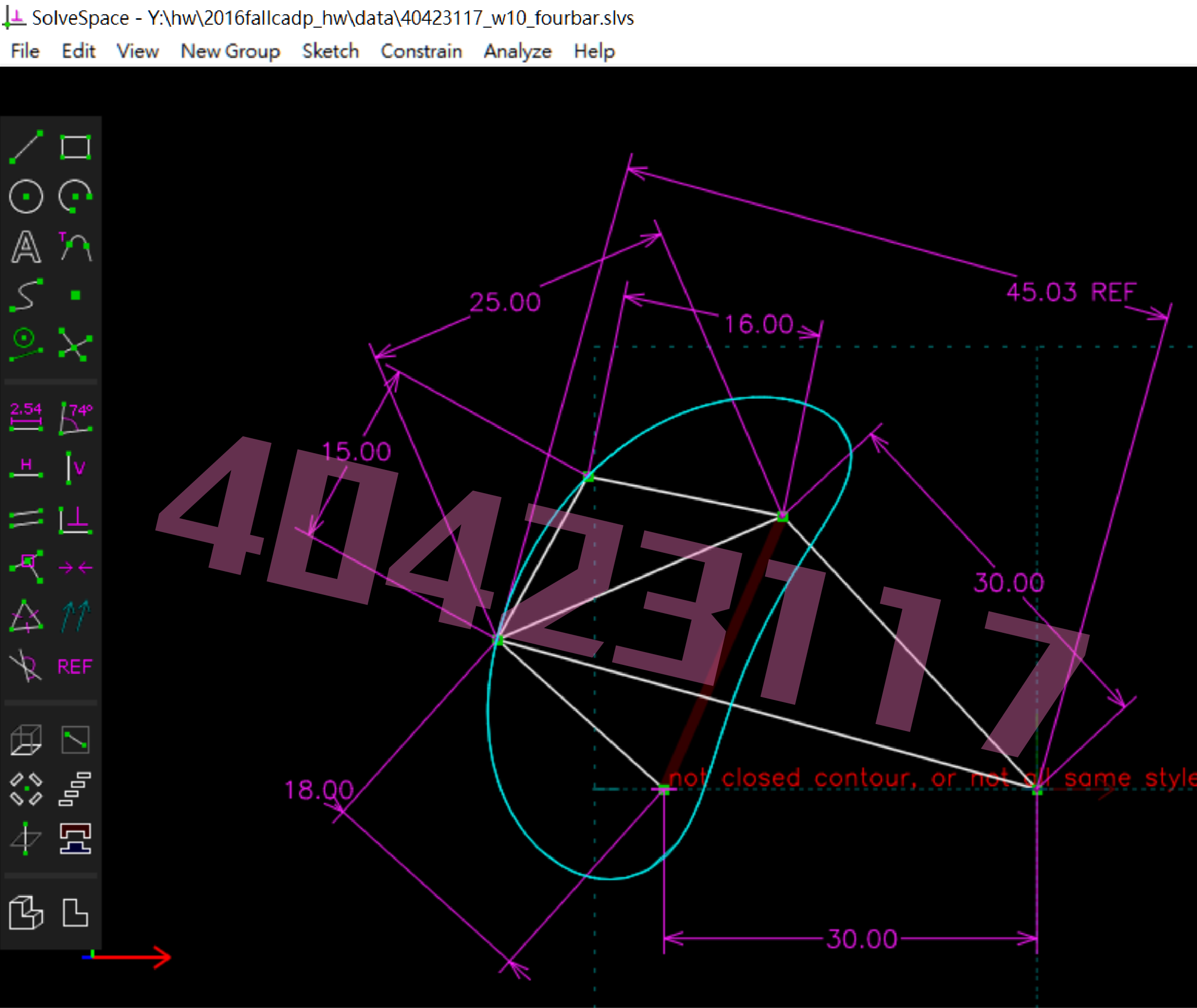
將所得到的點座標 .csv 以 Excel 畫圖, 得到: